
The Elcasino account: fields and statuses
An account associates a user’s settings with an email address. The access form, address verification and profile page serve different purposes. This overview explains fields, statuses, messages and personal-data protection.
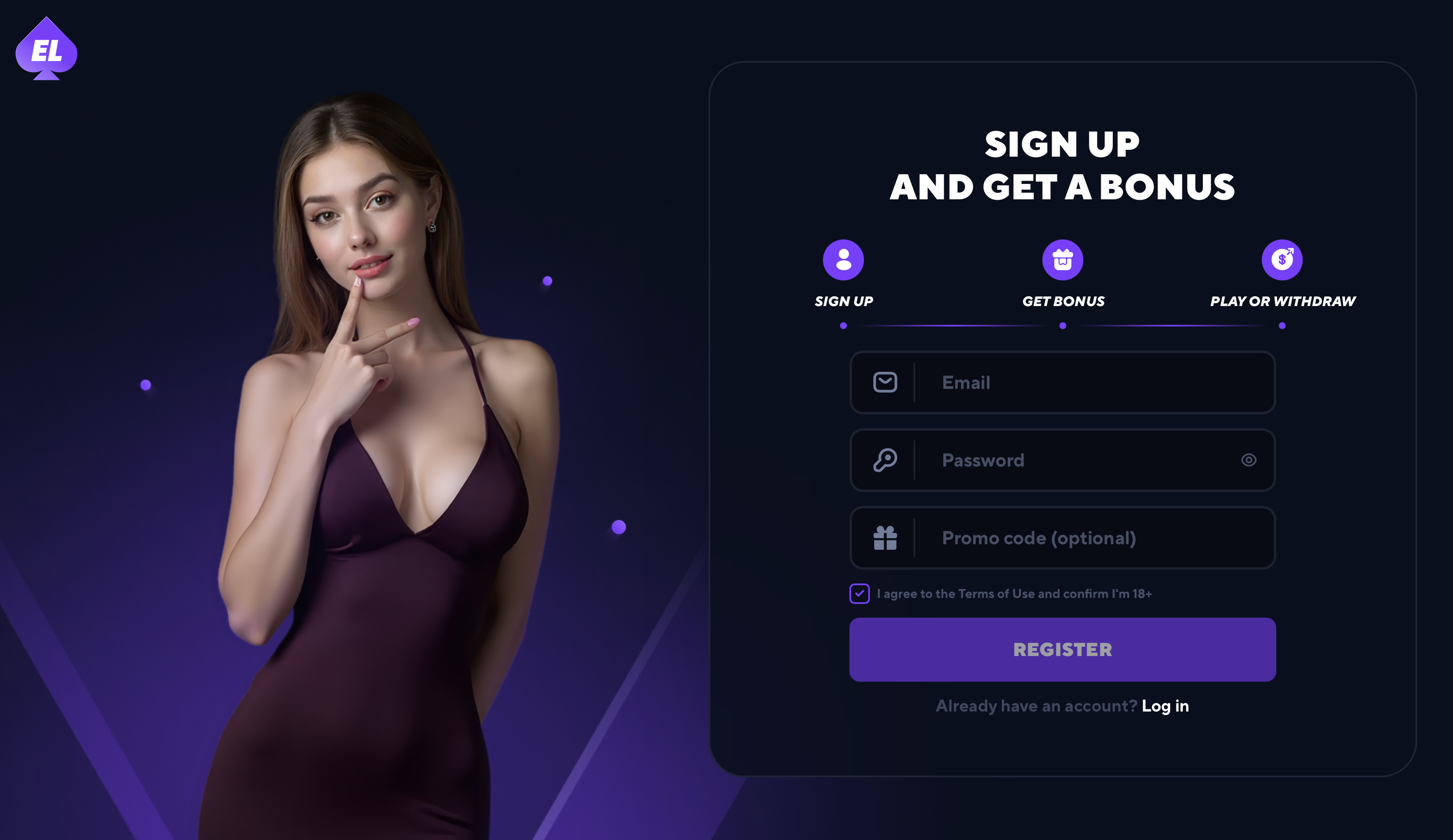
What the form contains
Email identifies the address associated with the account. The password field hides characters; its eye icon only changes their visibility on screen. The separate promo-code field is optional and does not replace a password or email verification.
The form also contains a statement about terms and age eligibility. This is a separate user declaration. A checked box alone does not demonstrate that identity verification has taken place.
Sign-in and email verification are separate statuses
A signed-in session means the system recognises a user. A verified-email status means access to the stated address has been checked. The project has a separate verification screen with sending, waiting, success and error states.
Understanding form messages
A disabled button can indicate missing required fields or a request still being processed. An error message explains the outcome of a particular request. It is not confirmation that data has been saved.
What screenshots should keep private
Passwords, verification links, one-time codes and a full email address are unnecessary in a public interface overview. A screen name and error wording without secrets are generally enough to describe an issue to support.
Related reading
All articles →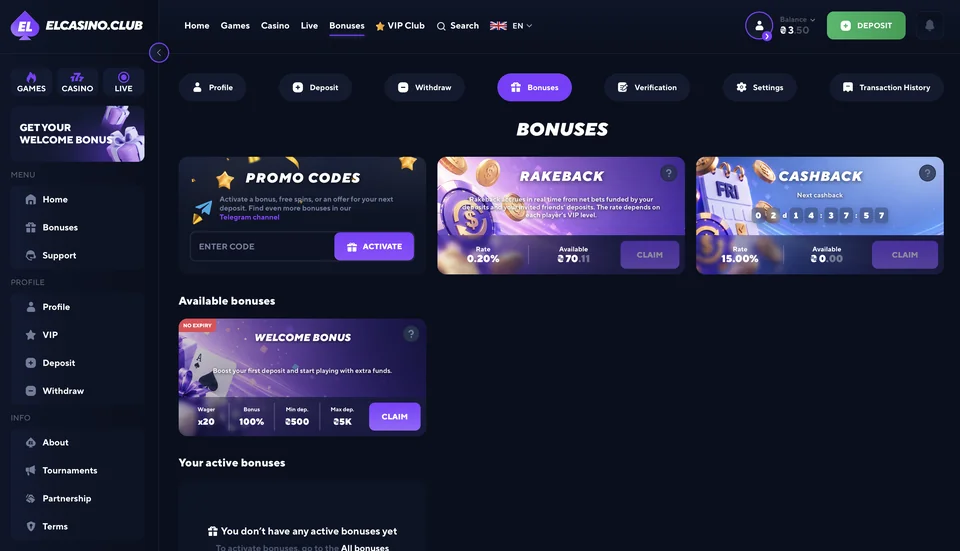
The Elcasino bonus section: cards, terms and restrictions
How available, active and completed offers differ, and what deadlines, progress and wagering requirements mean.
Read article →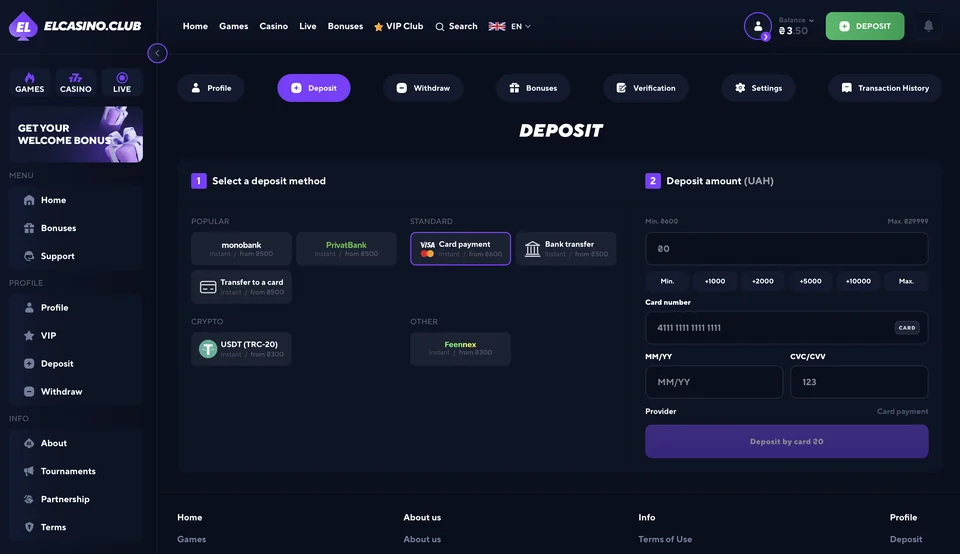
The Elcasino payment section: amounts, currencies and statuses
An explanation of the payment section’s information blocks: method, currency, amount limits and request status.
Read article →